
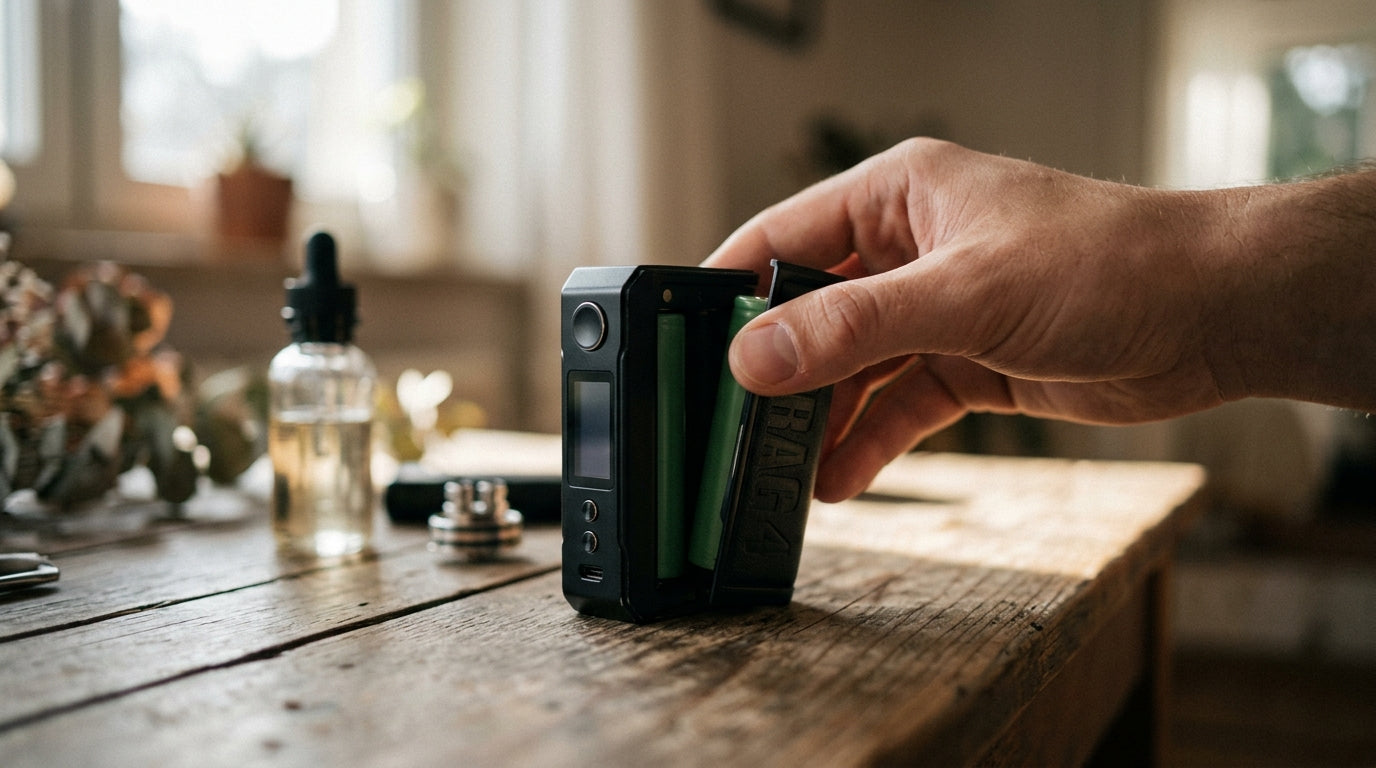
Your Voopoo Drag stops firing out of nowhere. The screen freezes. The wattage jumps to a number you never set. If this sounds like you, don't worry. Most of these problems have a simple fix, and you don't need to buy a new device.
This guide shows you how to reset Voopoo Drag vape models the right way. You will learn why a reset helps, the exact steps to follow, and what to check if the problem stays after you reset. We will also cover Drag 4, Drag X, and Drag S separately, since each model works a bit differently.
Tranzax Vapors sells genuine Voopoo devices and parts in Pakistan, so we see these questions from customers often. Here is what actually works.
What Does Resetting a Voopoo Drag Vape Do?
 A reset simply tells your device to forget its current glitch and start fresh. Think of it like turning your phone off and on when an app freezes.
There are two types of reset you should know about:
-
Restart – This turns the device off and on. Your wattage, mode, and puff counter stay the same. Most small glitches go away with just a restart.
-
Factory reset – This clears all your saved settings and brings the device back to how it was on day one. Use this only when a restart does not fix the issue.
A factory reset is useful when:
-
The wattage keeps changing on its own
-
The menu will not respond to buttons
-
The device shows an error that a restart cannot clear
What you may lose after a factory reset:
-
Your saved wattage and mode
-
Puff counter history
-
Any custom curve settings (on models that support this)
Write down your favorite wattage before you reset, so you can set it again in seconds.
Signs Your Voopoo Drag Vape Needs a Reset
Not every vape issue needs a reset. But if you see these signs, it's a good place to start:
-
The screen freezes and buttons do nothing
-
Your Voopoo Drag vape not firing even with a full battery and a good coil
-
Wattage jumps up or down without you touching a button
-
The fire button feels stuck or triggers on its own
-
The device does not detect the pod or atomizer
-
The battery percentage shows wrong numbers
-
The screen shows an error code that stays even after you swap the coil
If you notice one or two of these, a simple restart may fix it. If several problems show up together, move on to a full reset.
How to Reset Voopoo Drag Vape (Step-by-Step)
 Here is the general method that works across most Drag models. Model-specific steps are listed further down.
-
Turn the device off. Press the fire button five times quickly, the same way you turn it on.
-
Remove the batteries if your model uses removable batteries (like the Drag 3 or Drag 4). Skip this step for built-in battery models.
-
Wait 30 seconds. This gives the chipset time to clear its memory.
-
Reinsert the batteries. Check the polarity marks inside the battery door before closing it.
-
Turn the device back on using the same five-click method.
-
Restore your settings if the device asks, or set your wattage again manually.
-
Test the device safely. Take a short puff in open air before using it normally, so you can catch any leftover error early.
Safety notes:
-
Always use original charging cables from Voopoo or Tranzax Vapors.
-
Never reset the device while it is charging.
-
Check battery contacts for dirt or corrosion before you put batteries back in.
-
If you smell anything burnt, stop and check the device before turning it on again.
How to Reset Voopoo Drag 4
The Drag 4 uses two 18650 batteries and a touch screen menu.
-
Swipe or tap into the menu using the fire button and adjustment buttons.
-
Find the settings icon and scroll to "Reset" or "Restore Default."
-
Confirm the reset when the screen asks.
-
If the touch screen itself is not responding, remove the batteries for 30 seconds as a backup method.
The Drag 4 keeps more data than older Drag models, such as puff count and coil resistance history, so a factory reset clears more information than it would on the Drag S or Drag X.
How to Reset Voopoo Drag X
The Drag X is a pod mod and does not have a full touch screen menu, so the reset relies on button combinations.
-
Turn the device off with five clicks.
-
Hold the fire button and the down button together for about five seconds.
-
Release when the screen flashes or shows a default wattage number.
-
Turn the device back on and check if the wattage returned to default.
If this combination does not respond, remove the battery door and take the battery out for 30 seconds, then put it back and try again.
How to Reset Voopoo Drag S
The Drag S has a smaller screen with a simple menu.
-
Press the fire and up buttons together to open the menu.
-
Scroll down to find the reset or default option.
-
Select it and confirm.
-
As a backup, power cycle the device by turning it off, waiting 30 seconds, then turning it back on.
Always check that the coil is seated correctly after any reset on the Drag S, since a loose coil often shows the same errors as a settings problem.
Difference Between Restart and Factory Reset
People often mix these two up, so here is a simple comparison.
|
Feature |
Restart |
Factory Reset |
|
Keeps saved wattage |
Yes |
No |
|
Keeps puff counter |
Yes |
No, on most models |
|
Fixes frozen screen |
Usually |
Usually |
|
Fixes recurring errors |
Sometimes |
Often |
|
Time needed |
Under a minute |
1-2 minutes |
|
Risk of data loss |
None |
Settings reset to default |
Try a restart first. It is quick and keeps your settings. Only move to a factory reset if the restart does not solve the problem.
How to Reset Voopoo Drag Settings Safely
 If you want to reset specific settings instead of the whole device, here is what each one controls:
-
Default wattage-This is the starting power level the device uses after every reset. Most Drag models default to around 40-60W.
-
Smart mode-Automatically matches wattage to the coil you install. Good for beginners.
-
RBA mode-For users with rebuildable coils. This mode needs manual wattage entry, so double check it after any reset.
-
Lock settings-Prevents buttons from changing wattage by accident. Re-enable this after resetting if you share your device or carry it in a bag.
-
Puff counter-Tracks how many puffs you have taken. This clears to zero after a factory reset on most models.
Go through each of these one at a time after a reset, rather than assuming they returned to your old preference.
Common Voopoo Drag Problems After Reset
Sometimes a reset does not fully solve the issue. Here is what to check for each common problem.
Voopoo Drag Vape Not Firing
-
Check that the coil is screwed in fully but not too tight
-
Wipe the contact pins with a dry cloth or cotton swab
-
Confirm the wattage matches your coil's rated range
-
Reinsert the battery and check it is facing the correct direction
-
Make sure the pod or atomizer clicks into place fully
Voopoo Drag Won't Turn On
-
Check the battery orientation, since a reversed battery will not power the device
-
Try a different battery if you have one, in case the current one is dead
-
Plug in the charging cable and watch for a charging light
-
Update firmware through the official Voopoo app if the device still does not respond
-
Look for cracks or water marks, since physical damage often needs a repair, not a reset
Understanding the Voopoo Drag Reset Button
Most Drag models do not have one separate reset button. Instead, they use:
-
A five-click power sequence to turn the device on and off
-
Button combinations (like fire plus down) for a quick reset
-
A touch screen menu option on models like the Drag 4
Check your specific model's manual, since the exact combination can vary between the Drag 2, Drag 3, Drag 4, Drag X, and Drag S.
Tips to Prevent Future Voopoo Drag 
-
Clean the contact pins every week with a dry cotton swab
-
Use authentic coils made for your specific pod type
-
Charge with the original cable and avoid cheap third-party chargers
-
Check for firmware updates through the official Voopoo app
-
Keep the device away from water and heavy moisture
-
Store it in a cool, dry place, not inside a hot car
-
Replace batteries once they no longer hold a full charge
-
Check that pods click in fully before firing
When Should You Replace Instead of Reset?
A reset cannot fix everything. Consider a replacement if you notice:
-
A broken chipset that shows errors even after multiple resets
-
Water damage, especially if the device was dropped in liquid
-
A burnt or melted charging port
-
A battery door that no longer closes properly
-
A screen that stays black or cracked
-
Errors that keep coming back within a day of resetting
If you see any of these, take the device to a trusted vape shop or contact Tranzax Vapors for a genuine replacement.
Why Buy Genuine Voopoo Products from Tranzax Vapors?
Fake or copied vape parts are a common problem in the market, and they cause many of the errors covered in this guide. Tranzax Vapors stocks genuine Voopoo devices, original coils, and authentic replacement pods, so your device performs the way it was built to.
We carry the latest Voopoo devices at fair prices across Pakistan, along with a wide vape collection for every budget. Our team can also guide you if you're not sure whether your device needs a reset or a repair.
Conclusion
Most Voopoo Drag problems don't need a new device, just the right reset method. Start with a simple restart, move to a factory reset if needed, and follow the model-specific steps for your Drag 4, Drag X, or Drag S. Keep your contacts clean, use genuine coils, and update firmware from official sources only.
If your device still has problems after trying every step in this Voopoo Drag troubleshooting guide, it may be a hardware issue that needs a repair or replacement. Browse genuine Voopoo devices and accessories at Tranzax Vapors, and reach out to our team if you need help picking the right parts.
Frequently Asked Questions
Q1. How do I reset my Voopoo Drag vape?
Turn the device off, remove the battery if it's removable, wait 30 seconds, then put the battery back and turn it on again. For a full factory reset, use your model's menu option instead.
Q2. Is there a Voopoo Drag reset button?
Most Drag models don't have a separate reset button. They use a five-click power sequence or a button combination like fire plus down.
Q3. What is the difference between restarting and factory resetting a Voopoo Drag?
A restart keeps your saved wattage and settings. A factory reset clears everything and brings the device back to its default state.
Q4. Why is my Voopoo Drag vape not firing after a reset?
Check the coil, battery direction, and contact pins. A loose coil or dirty contact often causes this, even after a reset.
Q5. Why won't my Voopoo Drag turn on?
Check the battery orientation first, then try charging it. If it still won't turn on, the battery, port, or chipset may need checking.
Q6. Can resetting fix Voopoo Drag error messages?
Yes, in many cases. Error messages caused by a settings glitch usually clear after a reset. Errors caused by hardware damage will not.
Q7. Will resetting delete my vape settings?
A restart keeps your settings. A factory reset clears your saved wattage, mode, and puff counter.
Q8. How often should I reset my Voopoo Drag device?
Only reset it when you notice a problem. There's no need to reset a device that's working fine.
Q9. Is resetting safe for all Voopoo Drag models?
Yes, resetting is a normal part of using the device and won't damage it, as long as you follow the correct steps for your model.
Q10. Where can I buy genuine Voopoo Drag devices and accessories in Pakistan?
You can find genuine Voopoo devices, coils, and pods at Tranzax Vapors, with nationwide delivery and support from our team.
Share:
Best Voopoo Vape Devices You Can Buy in Pakistan
RELX Smash Go 10K Disposable Vape in Pakistan